

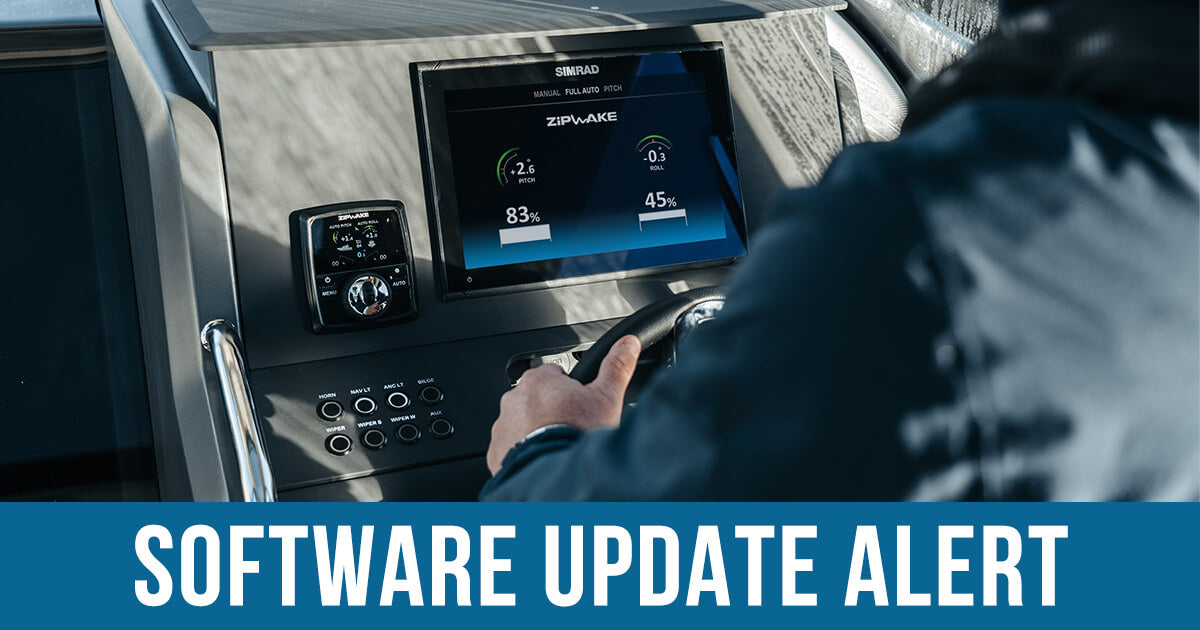
Updating your Zipwake software ensures your system always performs optimally. It also allows you to take advantage of the improvements developed by the Swedish manufacturer's team. But how do you install a Zipwake update? You will need a computer with internet access, a flash drive, and a few quiet minutes.
Updating Zipwake in four steps
Step 1
Download the update file from the manufacturer's website. The current version is available for download in the "Software update" section on the "Support" page for the corresponding Zipwake system - Series S or Series E:
Step 2
Transfer the file to a flash drive. The update must be in the root directory, not in a folder. The flash drive itself must be formatted as FAT32 so that it can be read by your Zipwake.
Step 3
Remove the cover of the connector located on the back of your Zipwake control panel and plug in the flash drive.

Step 4
Restart the system. On-screen instructions for installing the update will appear. Once finished, don't forget to unplug the USB drive and replace the connector cover.
Need assistance?
Belissima Marine is an authorized Zipwake importer. You can order your trim control system or request a consultation regarding maintenance by sending us an inquiry.
Belissima Marine now also offers Garmin yacht equipment
Greece launches mAiGreece mobile app to assist foreigners